Overview
Before you scan your first product, it helps to know what a barcode actually is inside StockUnify. A barcode is a machine-readable label that stands in for a product. Barcodes are usually associated with 12-digit UPC codes or 13-digit EAN codes.
In StockUnify, you can use a barcode scanner to pick products into a transaction easily.
Supported scanners
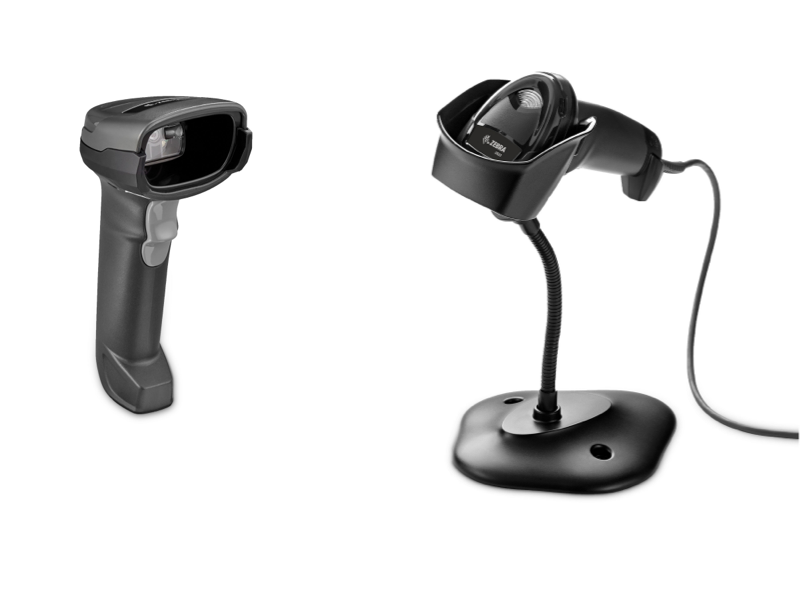
StockUnify reads barcodes through a handheld scanner connected to your computer — the same kind you see at a shop counter. We support most plug-and-play and Bluetooth barcode scanners and readers. The scanner behaves like a keyboard, so when you scan a code it "types" the number straight into whatever field is selected on screen.
To verify your barcode scanner's compatibility, attempt scanning a barcode into a blank document; if the barcode number appears on your screen, your scanner is compatible.
How scanning works in StockUnify
Once the product has a barcode set up, the product can be added to transactions by the barcode scanner. Such as sales order, purchase order, stock adjustment orders and stock count. When you scan a product, StockUnify checks the barcode field for a matching code.
What you need before you start
- A barcode scanner — a USB or Bluetooth barcode scanner.
- A barcode label attached to the product. StockUnify does not support printing labels.