1. Create New Category
To add a new category, you need to navigate to the [Inventory] -> [Product Categories] menu, then you will see the category screen. On this screen, you will see all the categories already exist in the system.
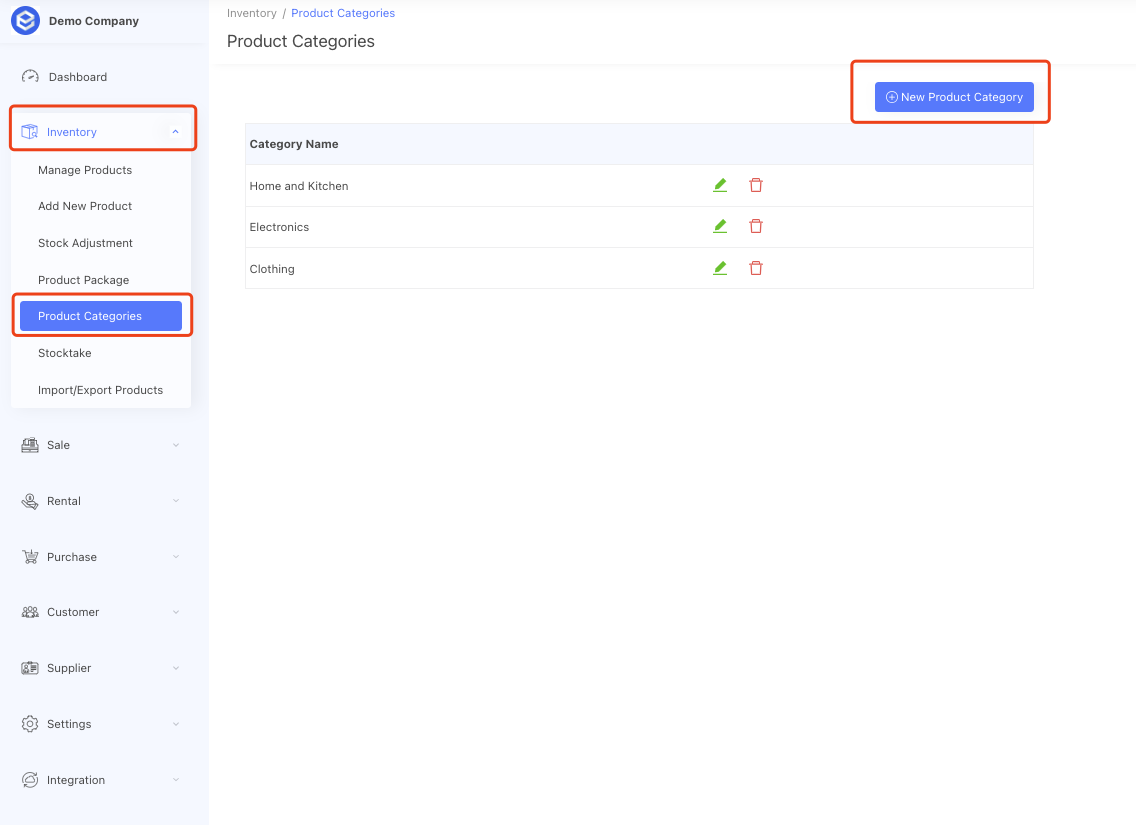
Click the [New Product Category] button, it will bring up a popup window to allow you input an category name, once you click the [save] button, a new product category will add into your system. Then when you create a new product, you will see the created category in the category select option list.

2. Edit & delete Category
You also can edit a category or delete a category by click the button next to the category name

if you delete a category, all products associated with this category will have their category field changed to empty.