The Barcode scan feature is a core feature of StockUnify, which helps you retrieve product information through barcode scanning.
StockUnify is compatible with barcode scanners that can function as keyboard input devices. To verify your barcode scanner's compatibility, attempt scanning a barcode into a blank document; if the barcode number appears on your screen, your scanner is compatible.
Firstly, you need to manage the barcode for each product on the product details page.
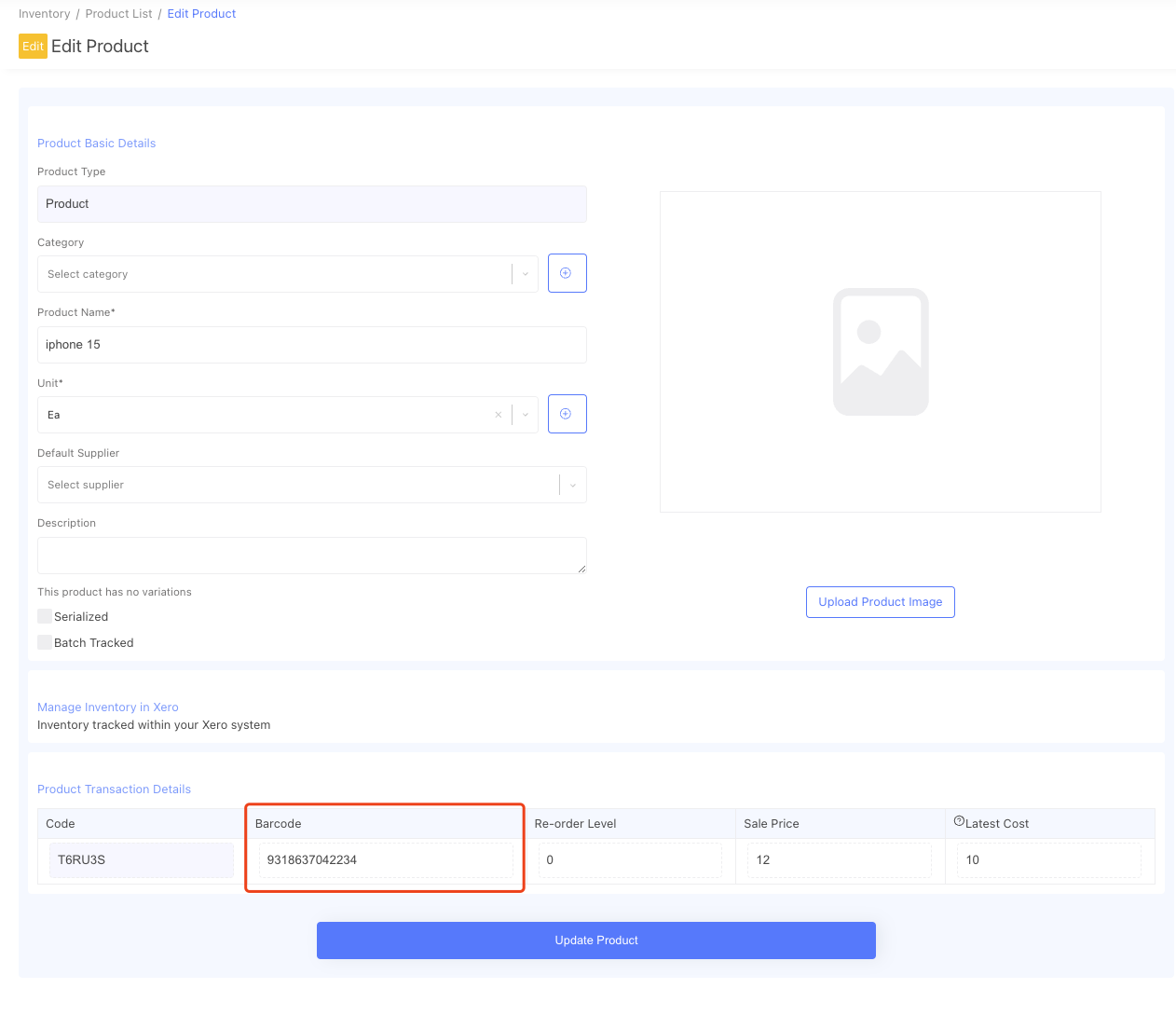 Once you have the barcode managed, when you create a sale order/purchase order/stock adjustment order, you can use the barcode scan feature by clicking the [Sacn Barcode] button.
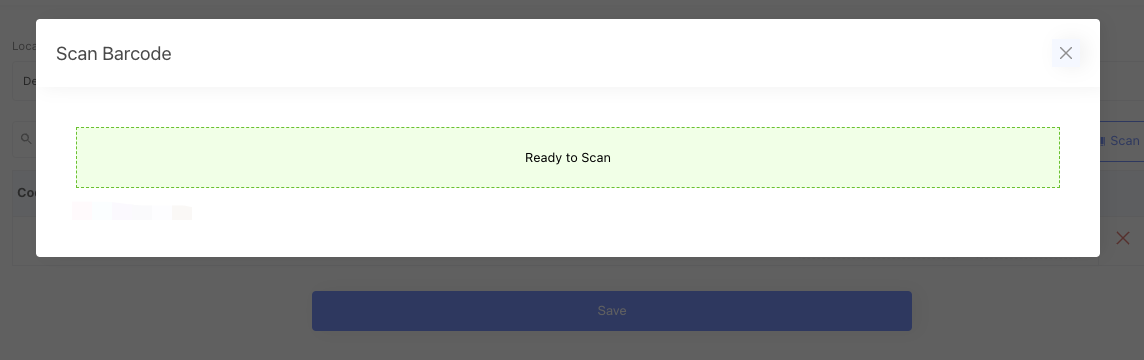
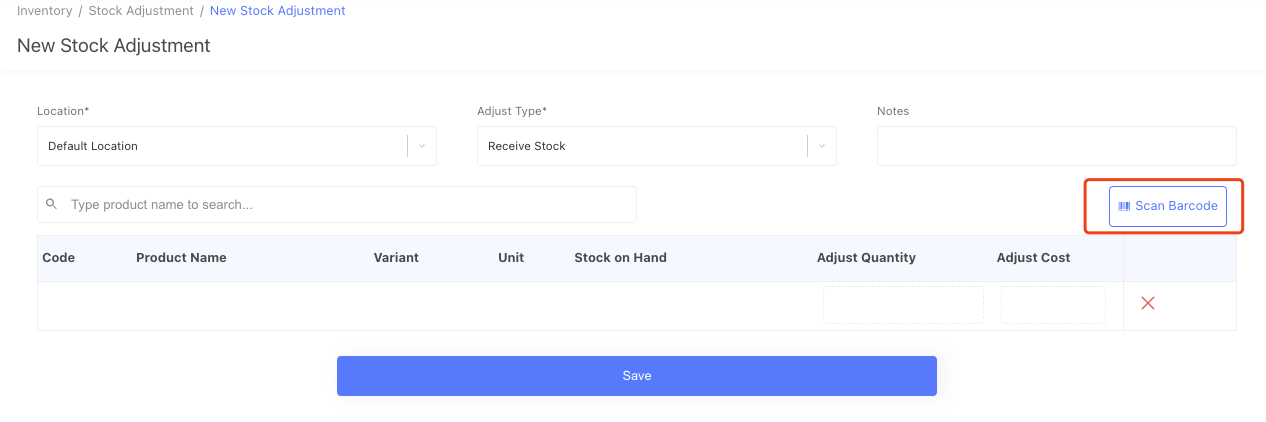 After you click the [Scan Barcode] button, it will bring up a popup window, when it shows "ready to scan", That's the point you can scan your products.
 If the barcode exists in the system, it will bring up the product details.
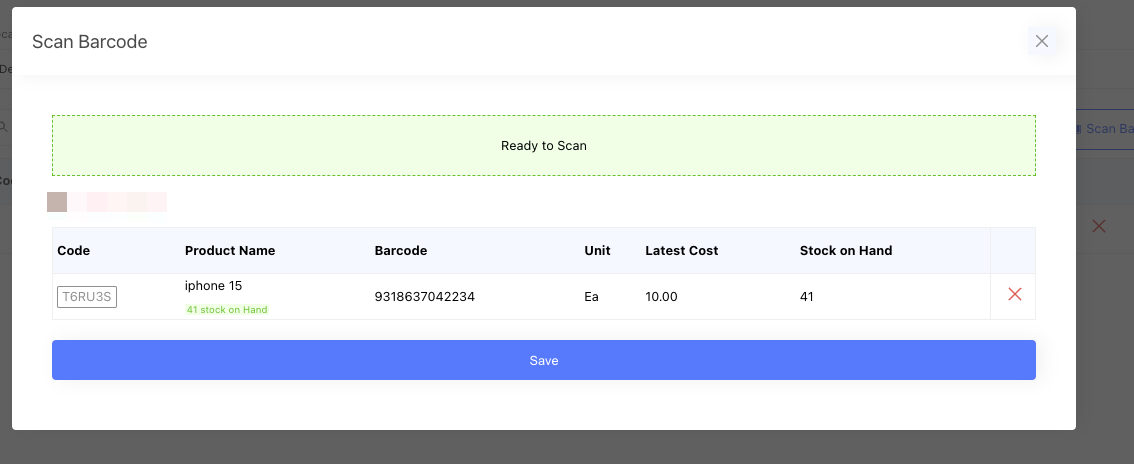 You can add multiple products on the scan window.
once you have all the products added, you click the [Save] button, It will close the scan window, and then you will see the products have been added to the order.